Republishing to Youtube
Preparing to the test
For the test we use:
- the demo server at
demo.flashphoner.com; - the Two Way Streaming web app to publish streams;
- the Chrome browser and the REST-client to send REST queries.
2. Create a live stream on Youtube
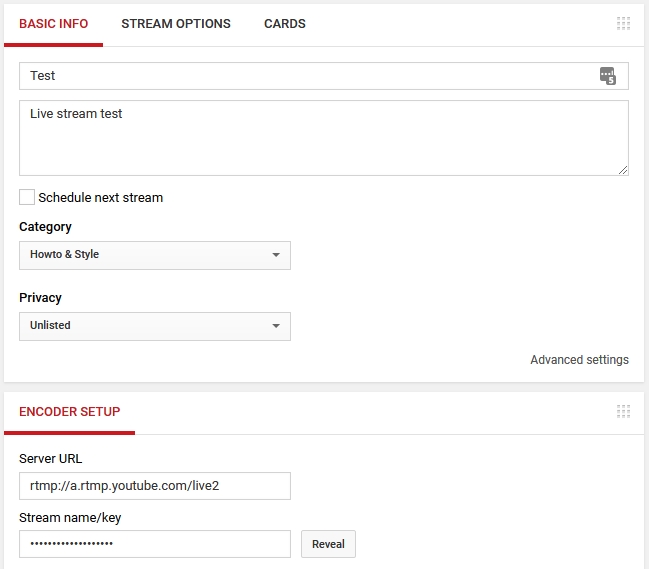
Create a live stream on Youtube (we assume you have activated the corresponding section in your Youtube account and successfully verified and approved the account). Copy the URL of the server and the stream key from the Encoder setup section:
3. WCS configuration
Add the following parameters to flashphoner.properties file:
rtmp_transponder_stream_name_prefix=
rtmp_flash_ver_subscriber=LNX 76.219.189.0
rtmp_transponder_send_metadata=true
Restart WCS.
4. Create a broadcast from a web camera to the WCS server
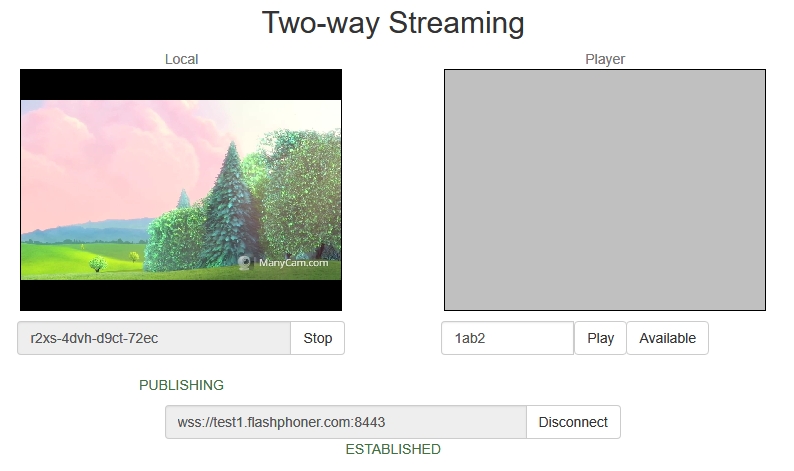
Open the Two Way Streaming web application. Click the Connect button, then specify the stream key from Youtube under the Local window, then click Publish:
5. Republish the stream using REST API
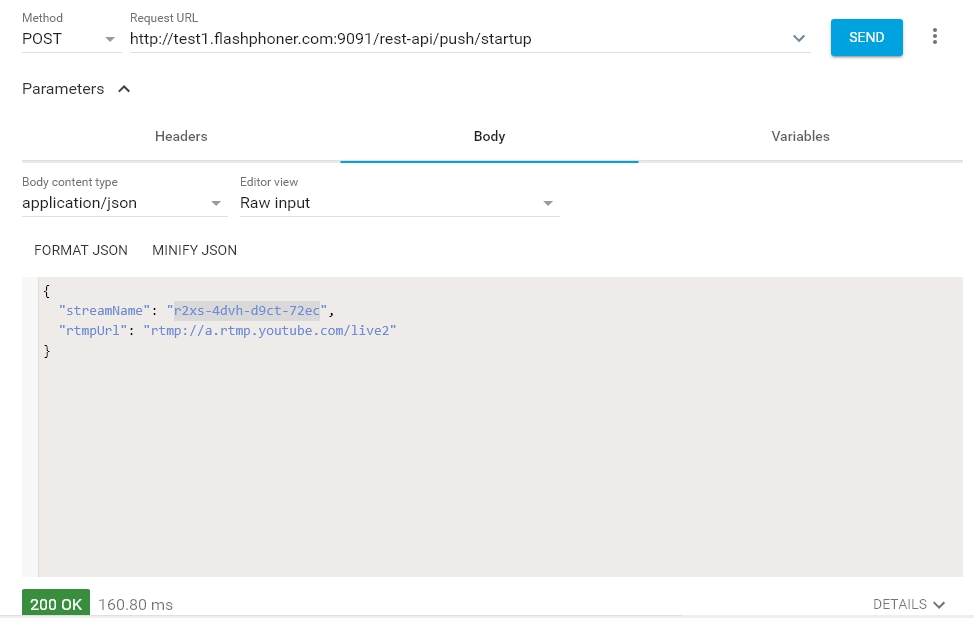
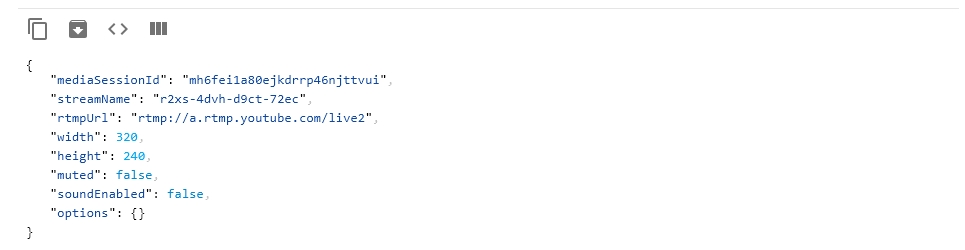
Open the REST client. Send the /push/startup query to the WCS server and specify the stream key in the streamName parameter and the Youtube server URL in rtmpUrl:
6. Checking if Youtube receives the stream
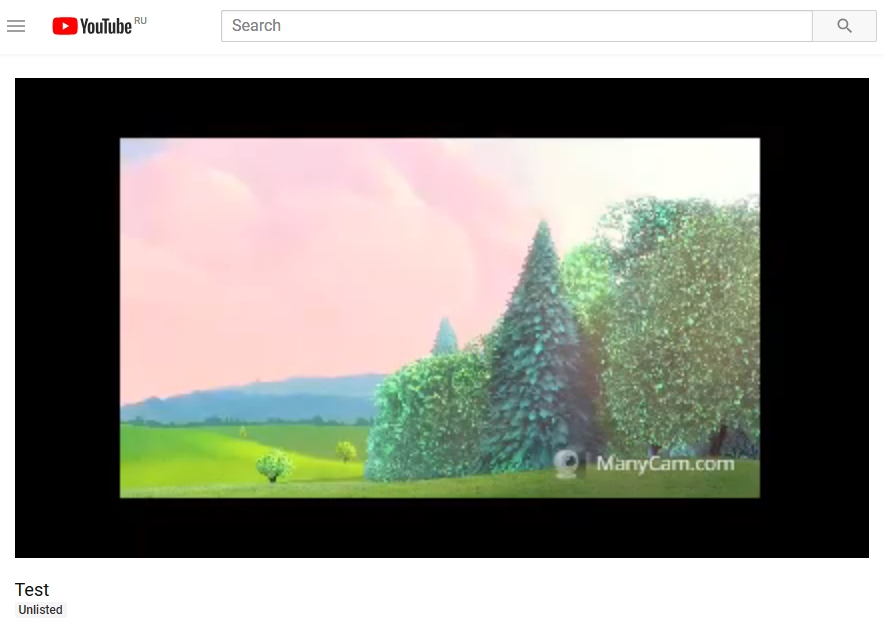
On the broadcast settings page click Advanced. On the advanced settings page, in the right corner click View on Watch page button:

The watch page opens: